Case Study 05: Learning Technology
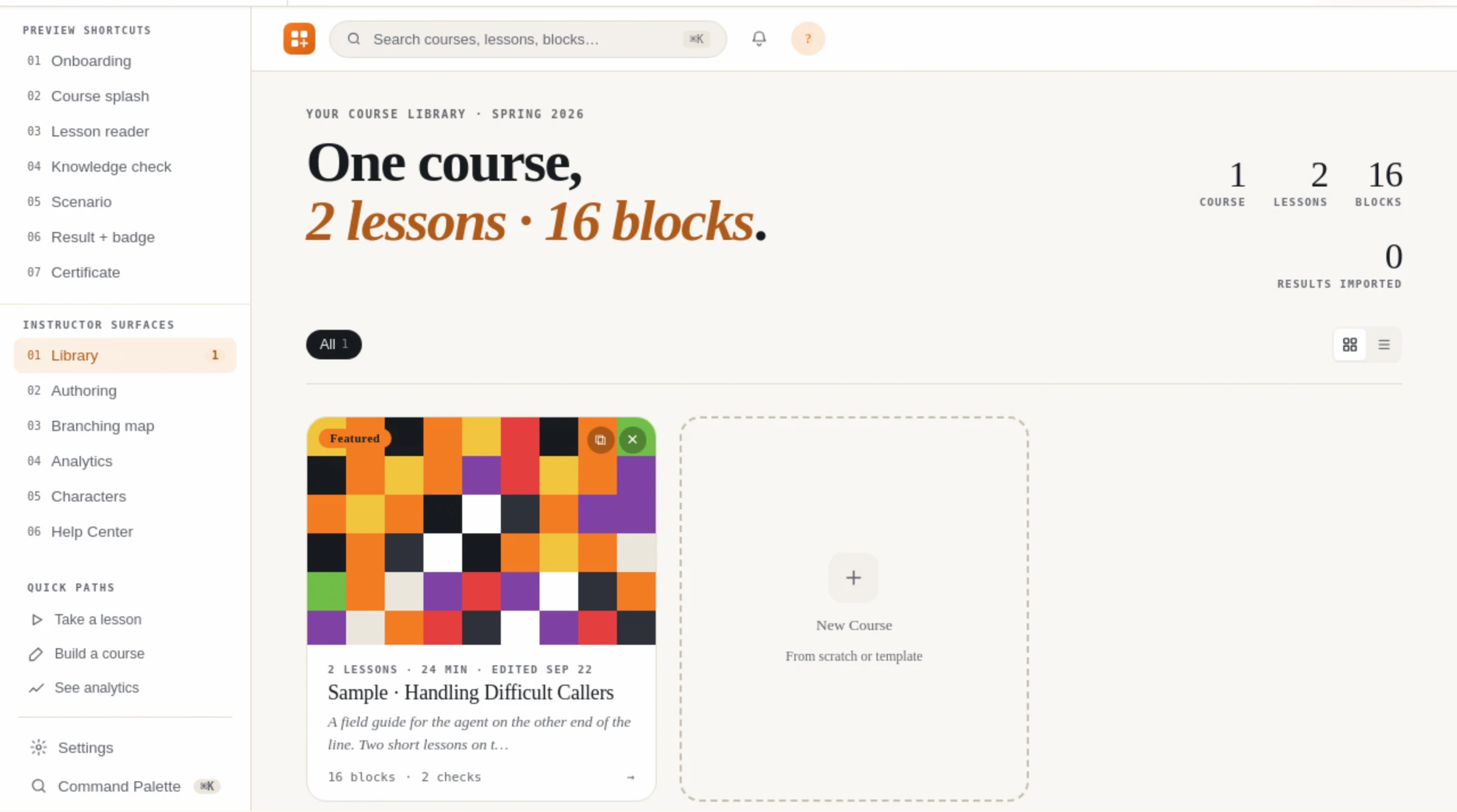
Course Studio
When the authoring tool is the constraint, the tool is the design problem
01: ANALYSIS
The courses were shaped by the tool, not by the learning.
- Who was authoring
- Subject-matter experts and L&D staff, not developers. They knew the content and the audience; what they did not have was a way to express a design decision the tool had not already decided for them.
- What kept happening
- Courses converged on the same shape. Not because that shape suited the content, but because it was the shape the block library made cheapest. Scenario work in particular kept collapsing into a quiz because branching was not a first-class object.
- What it cost
- Adding an author was a procurement decision rather than a design decision, so capacity grew in steps set by a purchasing cycle instead of by the work in front of the team.
- What could not be answered
- Whether a course actually worked. Completion and score came back from the LMS; which branch a learner chose, and how often, did not.
02: THE PROBLEM
A tool that only builds one kind of course teaches one kind of thinking.
The real constraint
Every authoring tool encodes a theory of learning. Rise encodes a good one: scroll, chunk, check. The problem is not that the theory is wrong, it is that it is the only theory on offer, so a designer who needs consequence, or practice under pressure, or a genuinely different path for a different role, has to argue the content down into a format that cannot hold it. Over a catalogue, that is not a tooling inconvenience. It is a slow narrowing of what the group is able to design.
- Understand
- Given a piece of content and an audience, an author selects a block type because it fits the learning intent, not because it is the one the tool makes easiest.
- Apply
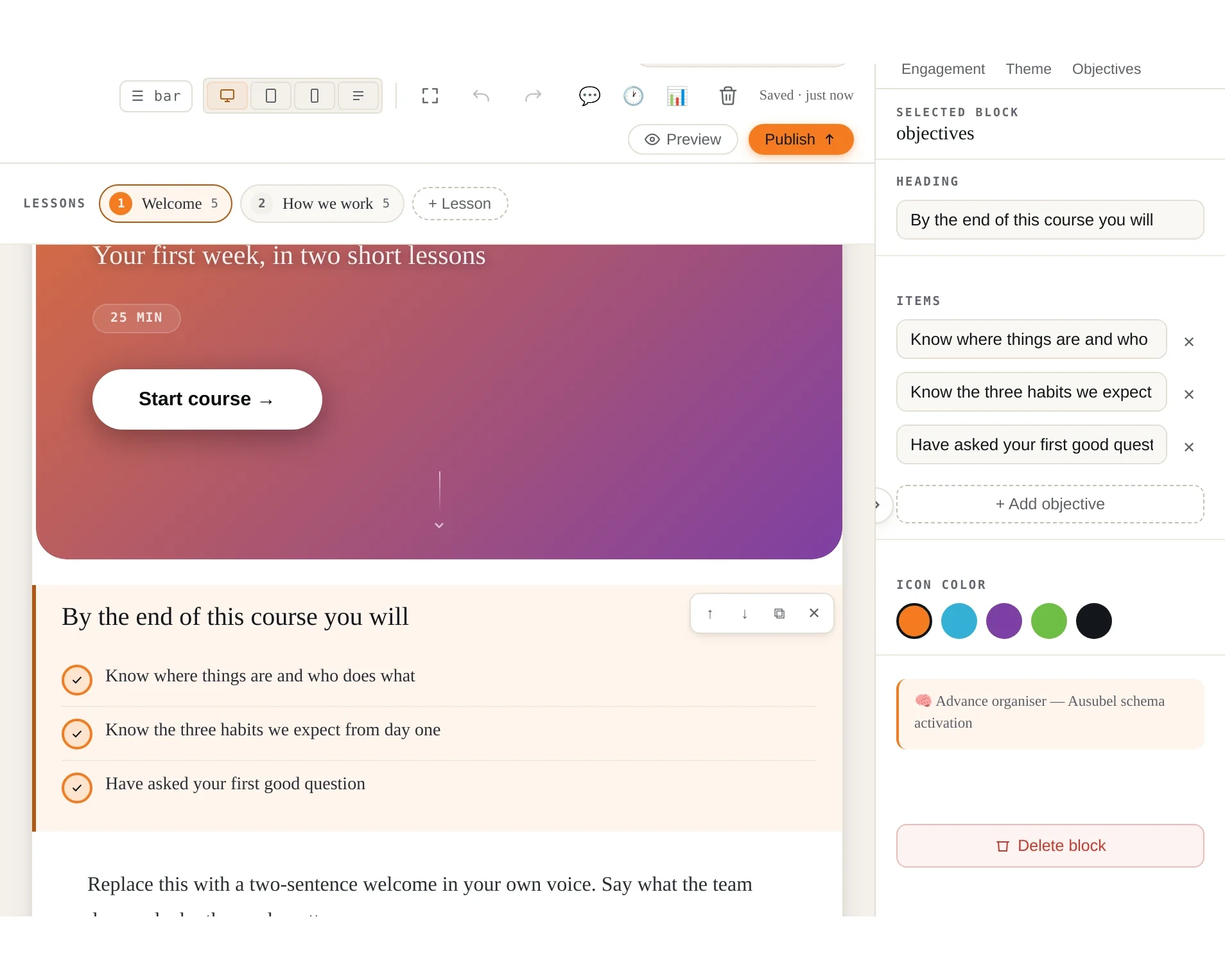
- An author with no development background builds a branching scenario with role-specific paths, unaided, on the first attempt.
- Analyse
- Given results from a delivered course, an author identifies which branch learners actually took and revises the scenario against that evidence rather than against opinion.
- Terminal
- The group publishes courses whose structure varies with the content, and can say why each one is shaped the way it is.
03: THE DESIGN
Four decisions, each one an instructional argument.
01
Branching as a first-class object
A scenario is authored as a map with nodes and consequences, not simulated with show-and-hide. Because the map is real data, the tool can later tell an author which path learners actually took.
02
Simulation, not screencast
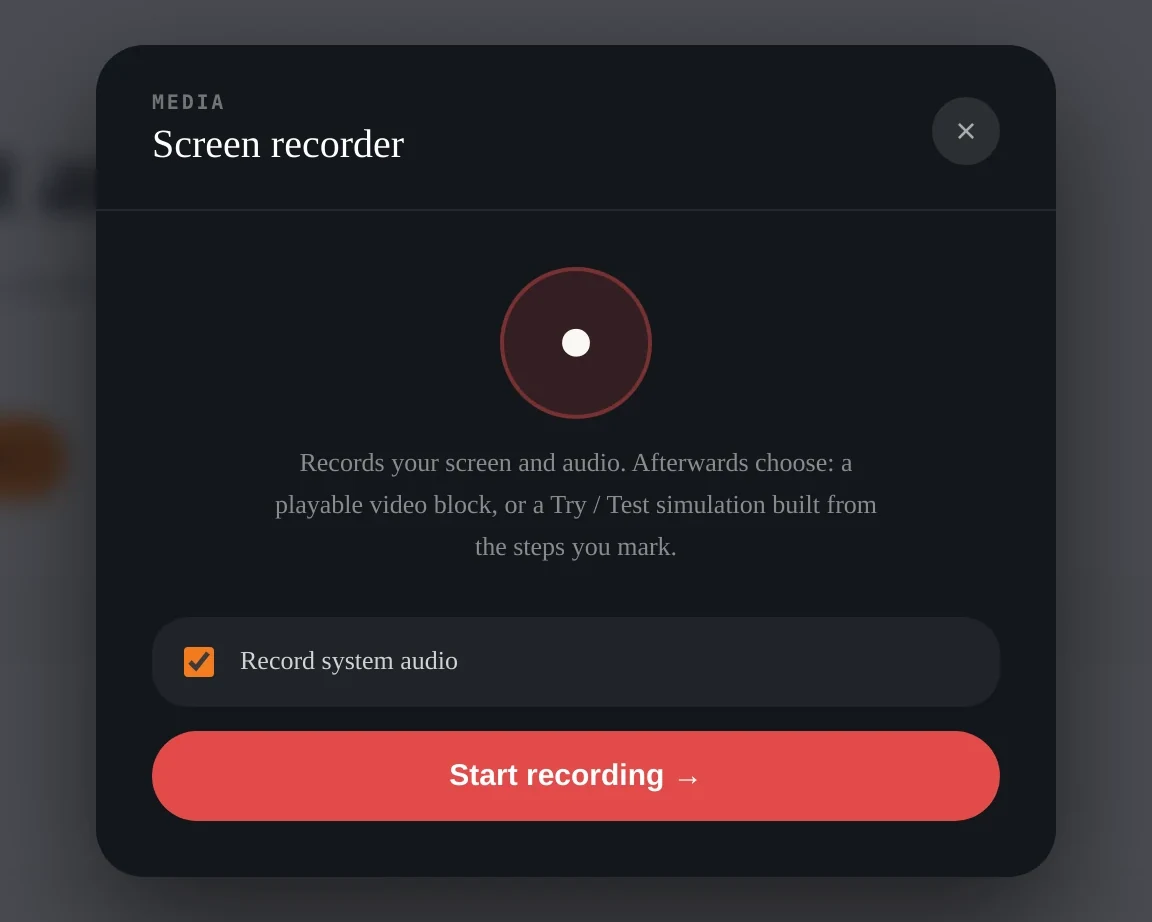
Software is learned by doing it. The screen recorder turns each click an author marks into a step of an interactive simulation, so a single recording can give learners guided practice and a test of the task itself, not only a video to watch.
03
Accessibility in the runtime, not the checklist
Every block type passes through an ARIA normaliser at runtime, and a keyboard bridge is injected into the exported course rather than only into the editor, because the export is what a learner actually receives.
04
Settings that are provably enforced
Every course setting was given a written contract stating its intent and every consumer that must honour it, then a test proving each one. A pass mark an author sets and the export ignores is not a setting, it is a promise the tool breaks quietly.
04: THE TOOL
One HTML file. No install, no server, no account to provision.
Why a single file
The whole application is one HTML document an author opens from disk. It runs with no server, no install and no network, which matters for a contractor on a locked laptop and for anyone drafting on a plane. Courses export as standard SCORM 1.2 or 2004 packages, so the LMS is unaware anything changed.
05: OUTCOME
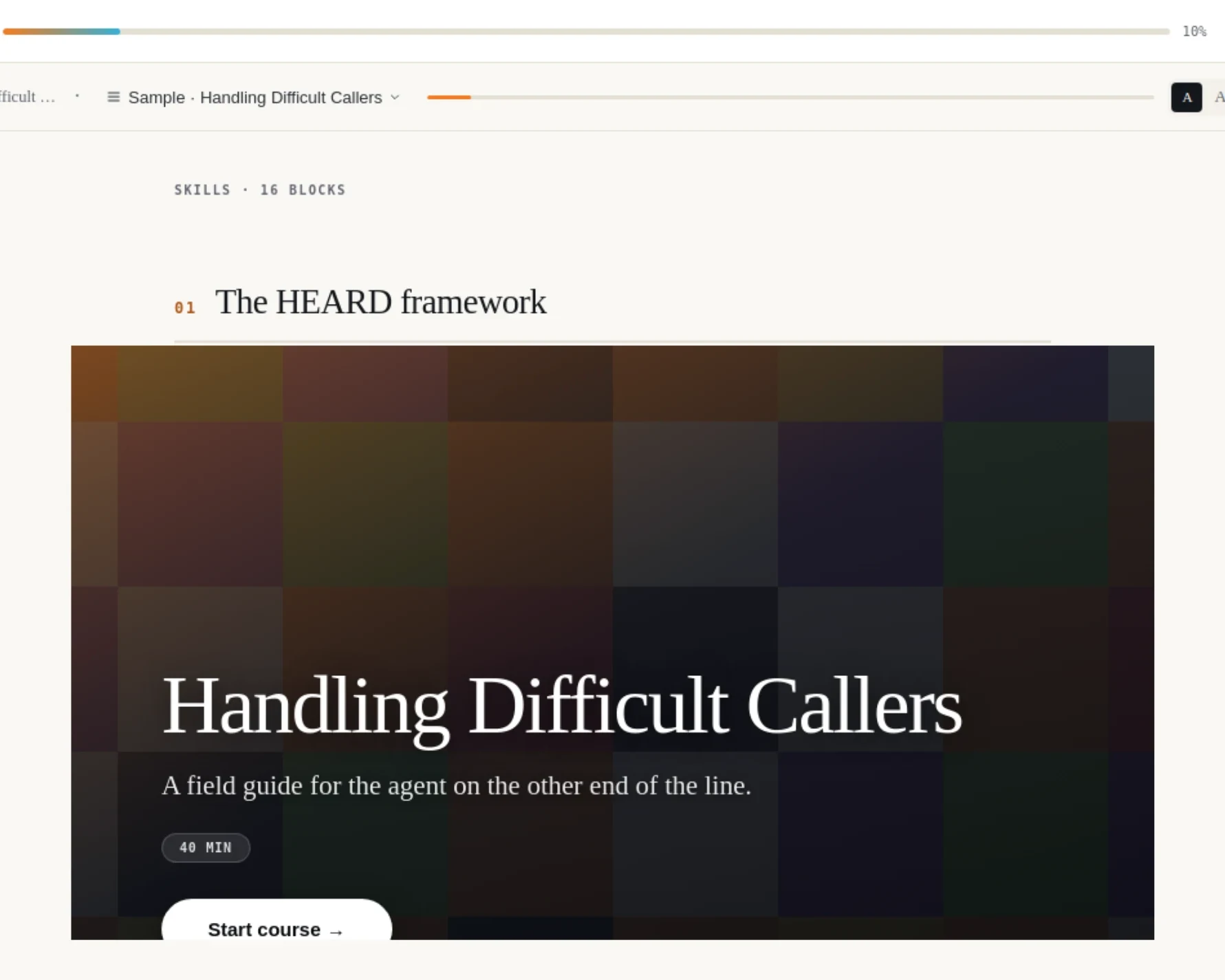
The catalogue stopped looking the same.
What changed for the authors
Scenario work stopped collapsing into quizzes, because a branch became something an author could draw rather than fake. A designer stopped arguing content down into a format that could not hold it. And for the first time a course could be revised against what learners did in it rather than against what the last reviewer thought of it.
What I would say plainly
Building an authoring tool is the wrong answer for most teams. It is justified here because the constraint was structural rather than cosmetic, the group authored continuously rather than occasionally, and the formats on offer could not carry the designs the work required. Where any one of those is untrue, the correct recommendation is to buy the tool and design within it.
06: EVALUATION
A tool for learning has to be evaluated as one.
The trap here
Software gets judged on whether it works, and a learning tool that merely works can still produce worse courses than the one it replaced. So the measures below are about what the authors made and what the learners received, and only then about whether the thing runs.
| Level | Evidence | Status |
|---|---|---|
| 1: Reaction | Whether authors return to it without being asked, and whether they stop routing round it for the hard formats. Voluntary use of branching is the signal, not a satisfaction score. | Planned |
| 2: Learning | Author capability, measured by whether a non-developer can build a role-branched scenario unaided on the first attempt. Learner assessment is instrumented in the product: real SCORM scores, per-option feedback, and attempt limits that survive an export reload. | Built in |
| 3: Behaviour | Whether published courses vary in structure with their content thirty days on, and whether authors revise scenarios using the branch pick-rates the tool now returns. | Planned |
| 4: Results | Time from request to published course, and the share of courses that ship as designed rather than as the format allowed. Both are attributable in principle and neither has been measured across a full catalogue yet. | Planned |
Accessibility, treated as engineering
Accessibility was engineered rather than reviewed at the end. Every block type passes through an ARIA normaliser, the keyboard bridge is injected into the exported course and not only into the editor, and each fix was recorded with its measured contrast ratio rather than a note that it was addressed. Colour was chosen against the ratio, including one brand orange reduced to a decorative role because it could not carry text. Automated tools do not certify a course as accessible; they establish that nothing obvious is left, which is the floor a learner is owed.
The catalogue this tool produces is the rest of this portfolio. Every course on the site was authored in it.